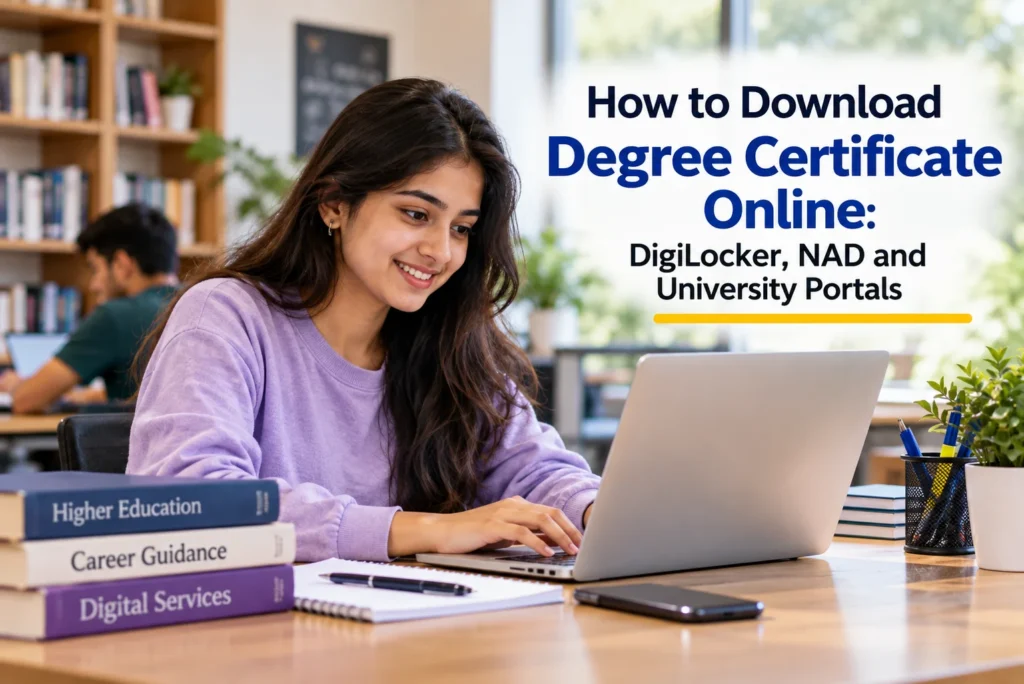
A degree certificate is one of the most important documents you will ever receive. Employers, universities abroad, government recruitment bodies and visa offices all ask for it, sometimes years after you graduate. Traditionally, students had to wait for a convocation or visit the university to collect a printed certificate. Today, many Indian universities upload degrees to digital platforms, so graduates can download a verified copy within minutes from anywhere. Knowing how to download a degree certificate online, and what to do if it is not available, saves time and protects you when deadlines are close.
This guide by vidyanirbhar is for recent graduates, alumni who need a copy of their degree, and parents helping them. We explain the digital options available, how to download from DigiLocker and the National Academic Depository, how university portals work, how to check that a digital degree is valid, and what to do if your certificate is missing or has errors. We use the National Academic Depository (NAD) as a real example of the national system that stores and serves academic awards digitally.
Ways to Get a Degree Certificate Online
| Route | How It Works | Best For |
|---|---|---|
| DigiLocker and NAD | Universities upload awards to the National Academic Depository, which students access through DigiLocker | Graduates of universities registered on NAD |
| University student portal | Some universities let graduates download a digital degree or e-certificate from their own portal | Universities with their own digital certificate systems |
| Online application for physical degree | Graduates apply online and receive a printed degree by post or in person | Universities that still issue mainly printed degrees |
Many graduates use more than one route: a digital copy for quick use and a printed original for formal verification.
Real Example: The National Academic Depository
The National Academic Depository is a Government of India initiative, approved in 2016 and made operational from 2017, to create a 24×7 online store of academic awards such as degrees, diplomas, certificates and mark sheets. Academic institutions upload awards to NAD, and students can access, download and share them, while employers and other institutions can verify them online with the student’s consent. NAD now works through DigiLocker, the government’s digital document platform, and the University Grants Commission coordinates participation by higher education institutions. Details for students, institutions and verifiers are available on the National Academic Depository portal.
The example shows why a digital degree is useful. A graduate applying for a job in another city, or a master’s programme abroad, can download the degree instantly instead of travelling to the university. Verifiers can check its authenticity online, which reduces fraud and delays. However, availability depends on if your university has uploaded your award, so it is important to know how to check and what to do if it is missing.
Degree Certificate, Provisional Certificate and Mark Sheets
| Document | What It Shows | When It Is Used |
|---|---|---|
| Mark sheets or grade cards | Marks or grades for each semester or year | Admissions, eligibility checks, job applications |
| Consolidated mark sheet | All semesters together with final result | Higher study and recruitment |
| Provisional certificate | Temporary proof that you have passed the degree | Until the final degree is issued |
| Degree certificate | Formal award of the degree by the university | Permanent proof of qualification |
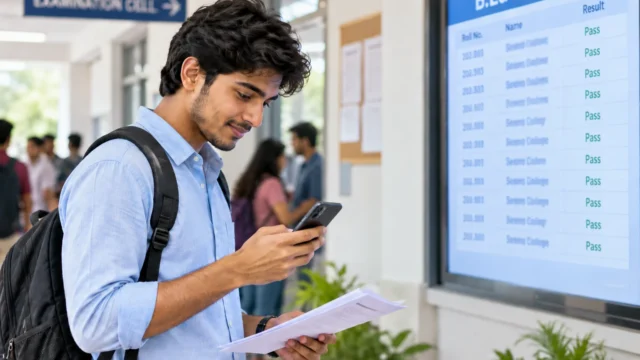
Many universities upload mark sheets to DigiLocker before the degree itself. If you only need proof of passing for an urgent application, a provisional certificate or final mark sheet may be accepted until your degree is available.
Using a Digital Degree for Jobs and Higher Study
When applying for jobs, you can usually share your degree through a DigiLocker link or attach the downloaded PDF. For admission to a master’s programme such as an MA in India, universities often accept DigiLocker documents during online verification. For study or work abroad, foreign universities and credential evaluation agencies may require documents sent directly by your university, or attested through official channels such as the Ministry of External Affairs apostille process. Check each organisation’s instructions well in advance, since these processes can take several weeks.
APAAR ID and Your Academic Records
The Automated Permanent Academic Account Registry (APAAR) ID was introduced by the Ministry of Education in 2023 as a lifelong student identifier under the National Education Policy 2020. It is designed to link a student’s academic records, credits and certificates, and works alongside the Academic Bank of Credits and DigiLocker. Over time, this should make it easier to find all your awards in one place. Check with your institution if your APAAR ID has been created and linked.
Step 1: Create or Sign In to Your DigiLocker Account
Visit the official DigiLocker website or install the official DigiLocker app. Sign up with your mobile number, preferably linked to your Aadhaar, and verify through OTP. Set a security PIN. Linking Aadhaar helps DigiLocker match documents issued in your name. Use only the official website or app, since fake apps with similar names exist.
Step 2: Search for Your University
After signing in, go to the section for searching or fetching documents issued by institutions. Search by your university’s name, or browse the education category. Select your university from the list of issuers. If your university does not appear, it may not yet be uploading awards, or it may use a different name in the list, so try variations.
Step 3: Enter Your Details and Fetch the Degree
Select the document type, such as degree certificate or mark sheet, then enter the requested details. These commonly include your roll number or enrolment number, year of passing and course. Some universities match details automatically using your Aadhaar. Once fetched, the degree appears in the “issued documents” section of your DigiLocker account.
Step 4: Download, Save and Share
Open the issued document to view it, then download a PDF copy for your records. DigiLocker also lets you share documents with requesters through secure links. Keep both the PDF and the DigiLocker copy, since some verifiers prefer to see the document through the platform itself.
Step 5: Use the University Portal If Needed
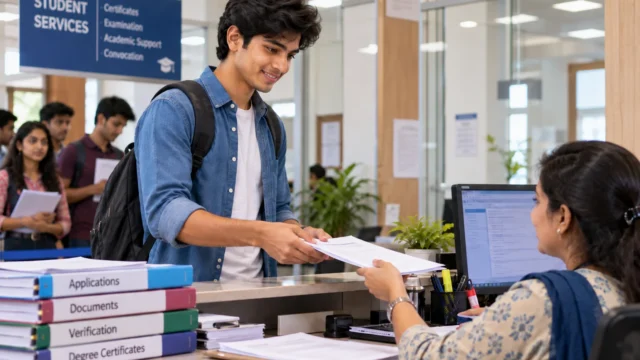
If your degree is not on DigiLocker, check your university’s official website. Some universities provide e-certificates through student login, while others let you apply online for a printed degree. Look for sections named examinations, convocation or student services. Students of large universities such as IGNOU and many state universities should check both DigiLocker and the university’s own notices, since practices change over time.
Are Digital Degrees Valid?
Documents issued by an institution directly into DigiLocker are treated by government rules as equivalent to the original physical documents for many purposes. Universities and employers that are registered verifiers can also check awards through NAD. However, some employers, foreign universities and embassies may still ask for a printed original, an attested copy or a separate verification letter. Check the specific requirement of the organisation you are applying to.
What If Your Degree Is Not Available Online?
- Check upload timing: universities may upload degrees some time after convocation. Recent graduates may need to wait.
- Verify your details: mismatches in name, date of birth or roll number between your Aadhaar and university records can prevent automatic matching.
- Contact the university: write to the examination or convocation branch with your roll number, year and course, asking if your award has been uploaded to NAD.
- Apply for a printed degree: follow the university’s process if digital copies are not available.
- Older graduates: universities may not have uploaded legacy records. Ask about the process for older batches.
Correcting Errors on a Digital Degree
If you notice a spelling error, wrong date of birth or incorrect course name on your digital degree, do not alter the PDF. Apply to the university for correction through its official procedure, attaching proof such as your Class 10 certificate. The corrected award should then be re-uploaded. Using an altered document can lead to rejection or legal problems. Keep a copy of your correction application and any acknowledgement until the corrected degree appears in your account.
Keeping Your Degree Safe
Store your downloaded degree in at least two places, such as DigiLocker and a secure cloud folder, and keep the printed original in a waterproof folder at home. Note your university roll number, enrolment number and year of passing somewhere safe, since you will need them for future verification or duplicate requests. If the original is ever lost or damaged, most universities issue a duplicate degree on application with an affidavit, a police report for loss where required and a fee.
Common Mistakes Graduates Make
- Using unofficial apps or websites to download certificates
- Assuming the degree is unavailable without searching the correct university name
- Ignoring mismatches between Aadhaar details and university records
- Editing a digital certificate to fix errors instead of applying for correction
- Waiting until a job offer or visa deadline to look for the degree
Conclusion
Knowing how to download a degree certificate online gives you quick access to a document you will need throughout your career. Use DigiLocker and the National Academic Depository first, check your university’s portal if needed, keep your details consistent, and apply for correction or printed copies through official channels when required. NAD shows how India’s digital academic records system makes degrees easier to access and verify. Vidyanirbhar prepares these guides so that graduates can manage their academic documents with confidence. You can find university profiles, contact details and course information on VidyaNirbhar.
Frequently asked questions
How do I download my degree certificate online?
Sign in to DigiLocker with your mobile number, preferably Aadhaar linked, search for your university under issued documents, enter details such as roll number and year of passing, and fetch the degree. If it is not available, check your university's portal or apply for a printed degree.
Is a degree certificate downloaded from DigiLocker valid?
Documents issued directly by institutions into DigiLocker are treated as equivalent to originals for many purposes, and registered verifiers can check them through NAD. Some employers, foreign universities and embassies may still ask for printed originals or attested copies, so confirm their requirements.
Why is my degree not showing on DigiLocker?
Your university may not have uploaded your award yet, may not participate in NAD, or your details may not match its records. Try different spellings of the university name, check your roll number, and contact the university's examination branch to confirm upload status.
What is the National Academic Depository?
NAD is a Government of India system for storing academic awards such as degrees and mark sheets online. Institutions upload awards, students access them through DigiLocker, and employers or universities can verify them online with the student's consent, reducing paperwork and fraud.
Can I download an old degree certificate online?
It depends on if your university has uploaded records for your batch. Many universities started uploading recent awards first. If an old degree is not available, contact the university about digitisation or apply for a duplicate or verified copy through its official process.